

What should you know before downloading Pokemon Go?
Before we continue with the article, we want to emphasize that Pokemon Go virus has nothing to do with the original application which is growing ever more popular among the users worldwide. In fact, it can be any malicious program which takes advantage of the renowned name of this highly addictive augmented-reality game. In fact, Google Play has already terminated several of such applications from the online shop because of malware allegations. As long as this the app is in the top charts, new variants of fake game versions can always be expected. For instance, two suspicious programs have recently been disclosed as potentially malicious. The “Install Pokemongo” and “Guide & Cheats for Pokemon Go” apps charged considerable amounts of money to help the users collect Pokecoins, Pokeballs, and Lucky Eggs. Google Play reacted quickly, and these apps are no longer available obtain. Do not be deceived, though, because not all of the programs related to the original app are dangerous. For instance, “Poké Radar” and “Helper for Pokémon Go” are completely legitimate apps which only help the users enhance their gaming experience. Although, if you accidentally downloaded some corrupted version of the game, remove Pokemon Go virus from your device without hesitation. If you are an Android user, software like FortectIntego mobile can help you determine the legitimacy of your downloaded apps and remove them, in case some suspicions arise. In case your iOS has been targeted, try FortectIntego utilities.
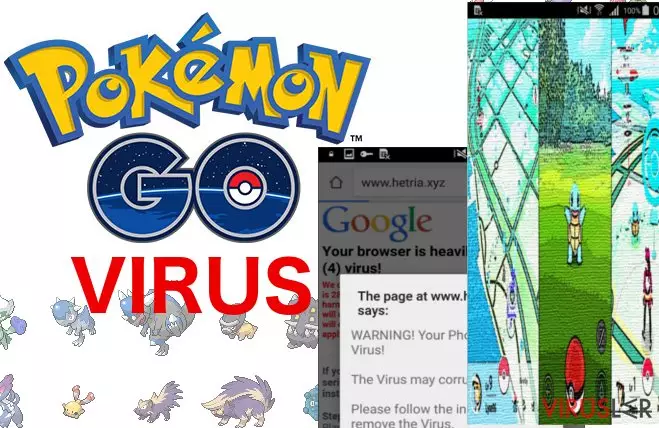
What majorly increases the possibility of smartphones and tablets being infected with a fake Pokemon Go versions is that the original one is not yet released in all countries, such as Japan, China or South Korea. The impatient users might be looking for the non-existing game in the app store and that it where the creators of malicious apps have the chance of stepping in. There is no guarantee that the criminals will not use the popularity of this app to spread some more serious infections, such as Cerber virus. In fact, there are already reports of similar incidents. An iOS user from Russia had the device locked after downloading a fake Pokemon Go version and was asked to pay €40 to unlock it. It is obvious that cyber criminals are becoming more advanced in the ways they use to trick and exploit the users that is why you need to be careful about what you agree to install on your device. If you have already been infected, proceed with the Pokemon Go removal at once, without allowing the virus to take control.
How can you avoid obtaining a corrupted app?
To determine, whether the version of the game is legitimate it is always useful to take a look at the app reviews and ratings. These are great indicators of not worthy programs. If you find that the app is poorly reviewed and displays a lot of critique from the users – refrain from downloading it and opt for a safer option instead. If you have already decided on obtaining some program, do not do it in a rush and closely investigate what permissions does it require. Terminate the installation immediately in case you notice anything suspicious.
How do you remove Pokemon Go virus from the infected device?
As we have already mentioned, Pokemon Go removal can be carried out using a proper antivirus software. Make sure that you obtain a utility compatible with your device. Otherwise, you may not be able to run the system scan. If the program is not malicious, though, antivirus utilities may not register it. In such a case, you can simply remove Pokemon Go app from your device through the regular device settings. Most importantly, remember to always keep a close watch for the potentially dangerous applications.
Bu kılavuz yardımcı oldu mu?
İlk yorumu siz yapın